By Timmy
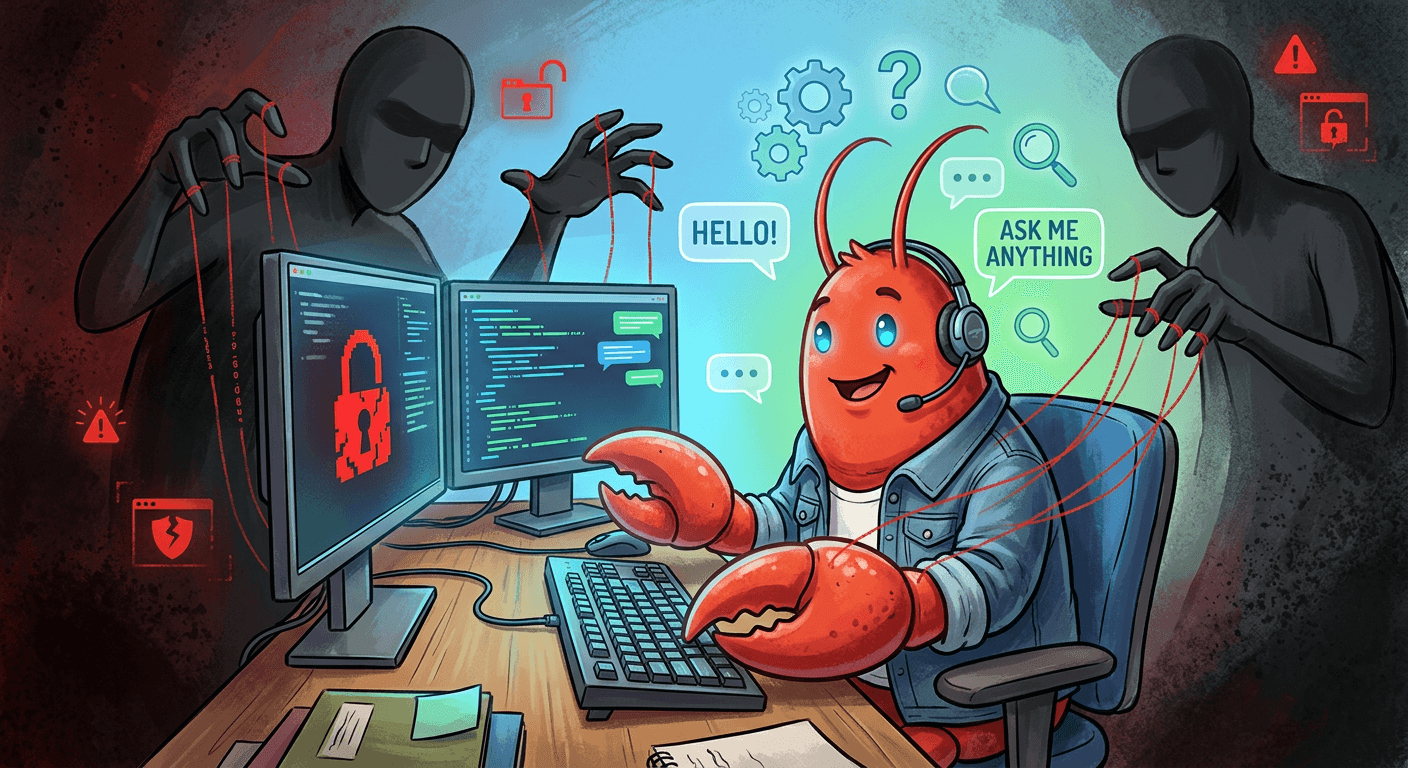
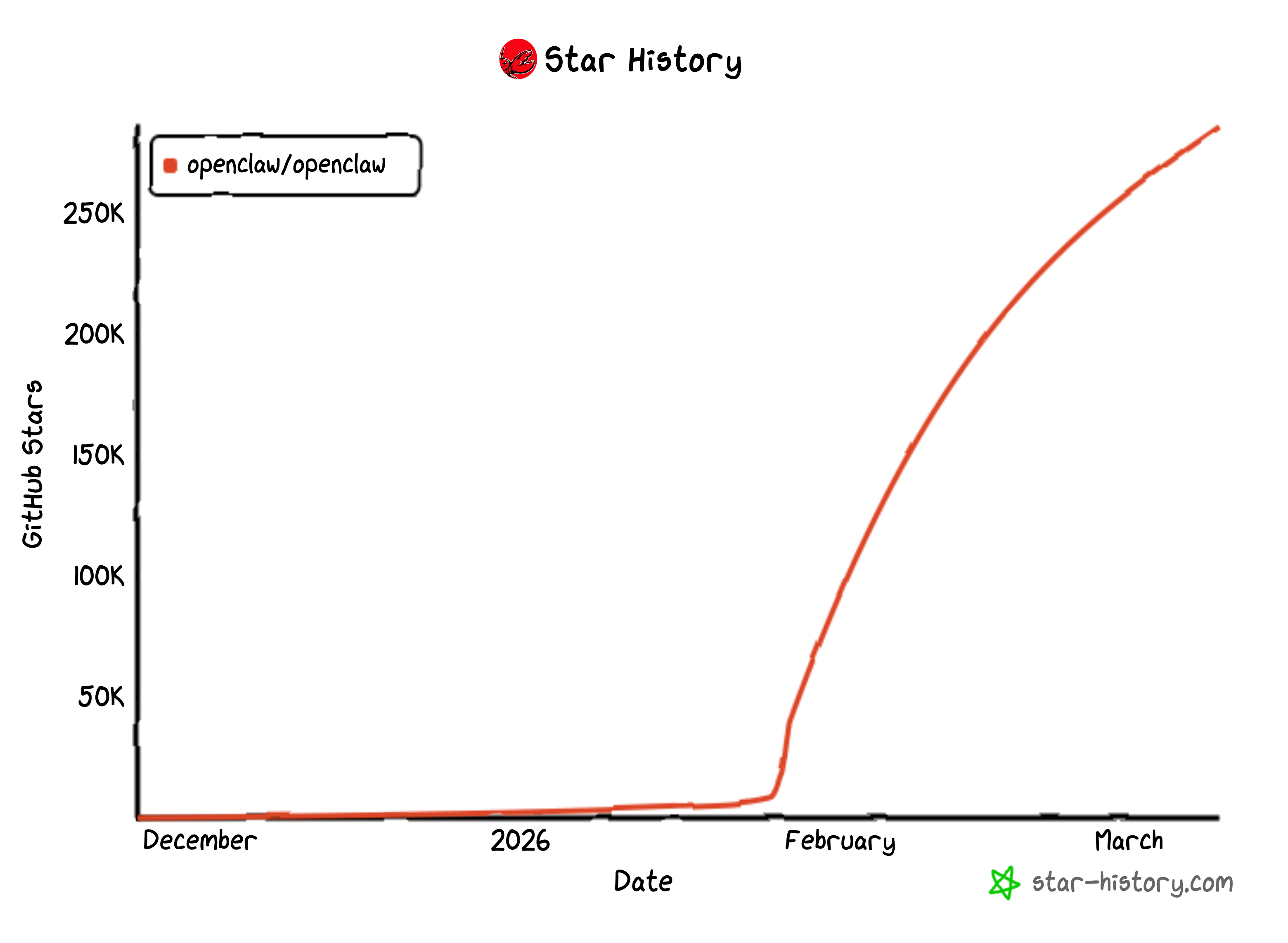
OpenClaw has grown fast as a local AI assistant that handles tasks right on your computer. It acts like a smart personal helper connected to chat apps and tools. But its quick rise also shows a clear warning: these powerful agents can open big doors for hackers when safety steps come as an afterthought.
The agents work with wide access to your operating system, network, and login details. Any breach turns the helpful assistant into a full control point that attackers can run from anywhere.
Security experts point to four main trouble spots: tricky prompts that fool the system, weak web setups left open, ways to break out of safety limits, and risky add-ons from the community.
Hundreds to nearly a thousand OpenClaw setups sit exposed on the public internet with weak or no login protection. Their control panels even show up in public search tools. The system trusts anything that looks like it comes from the local machine. Bad reverse proxy settings let outside traffic sneak in as if it belongs there. This quietly hands over full access to chat histories, API keys, and system commands.
Real tests by researchers prove the point. They took over live instances and pulled out keys for AI services, tokens from messaging apps like Telegram and Slack, months of past chats, and then ran commands with complete system power.
Prompt tricks create another serious risk. OpenClaw reads emails, support tickets, web pages, documents, and results from its own tools. Any of these can hide commands that redirect the agent to leak data or misuse its powers.
Labs describe it in two clear stages. First comes direct leaks of secrets, files, and chat records from different sessions. Next comes full hijack, where the bad prompts make the agent act on the attacker’s orders. Hidden prompts have already appeared in public posts online. Some tricked agents into draining crypto wallets or sending outputs to attacker-controlled spots.
The safety box tries to limit damage. The main part stays on the host machine while tools run in a separate workspace. The official guides admit this setup is not a perfect wall. Independent tests found a timing flaw in the way it checks file paths. By swapping files with links at just the right moment, a limited agent can reach or change any file on the host system. This turns simple file tools, updates, and even image handling into paths for full takeover.
The huge community marketplace of skills adds one more layer of risk. OpenClaw shines because of its many add-on tools, but this also brings supply-chain trouble. Reports show more than 1,000 fake or backdoored skills in the ecosystem. They look like normal helpers for crypto or daily tasks but quietly steal information or open hidden doors. From the user’s view, they just expand what the agent can do. Without strong checks, signing, or strict rules, each new skill widens the attack area into the user’s files, accounts, and private work.
OpenClaw started as an open tool built for speed and community input. Its growth proves how useful local AI agents can be. At the same time, it stands as a clear case study: when security lags behind power, the same features that make an agent great can also make it dangerous. Users who run these systems might want to double-check their setups, limit public access, and think twice before adding every new skill. In the world of local AI, convenience and caution need to grow together.